Business Listings · October 1, 2026
What to Do When a Fake Google Business Profile Impersonates Your Company
A practical guide to documenting a fraudulent Google Maps listing, protecting your real profile, choosing the correct report, and warning customers carefully.
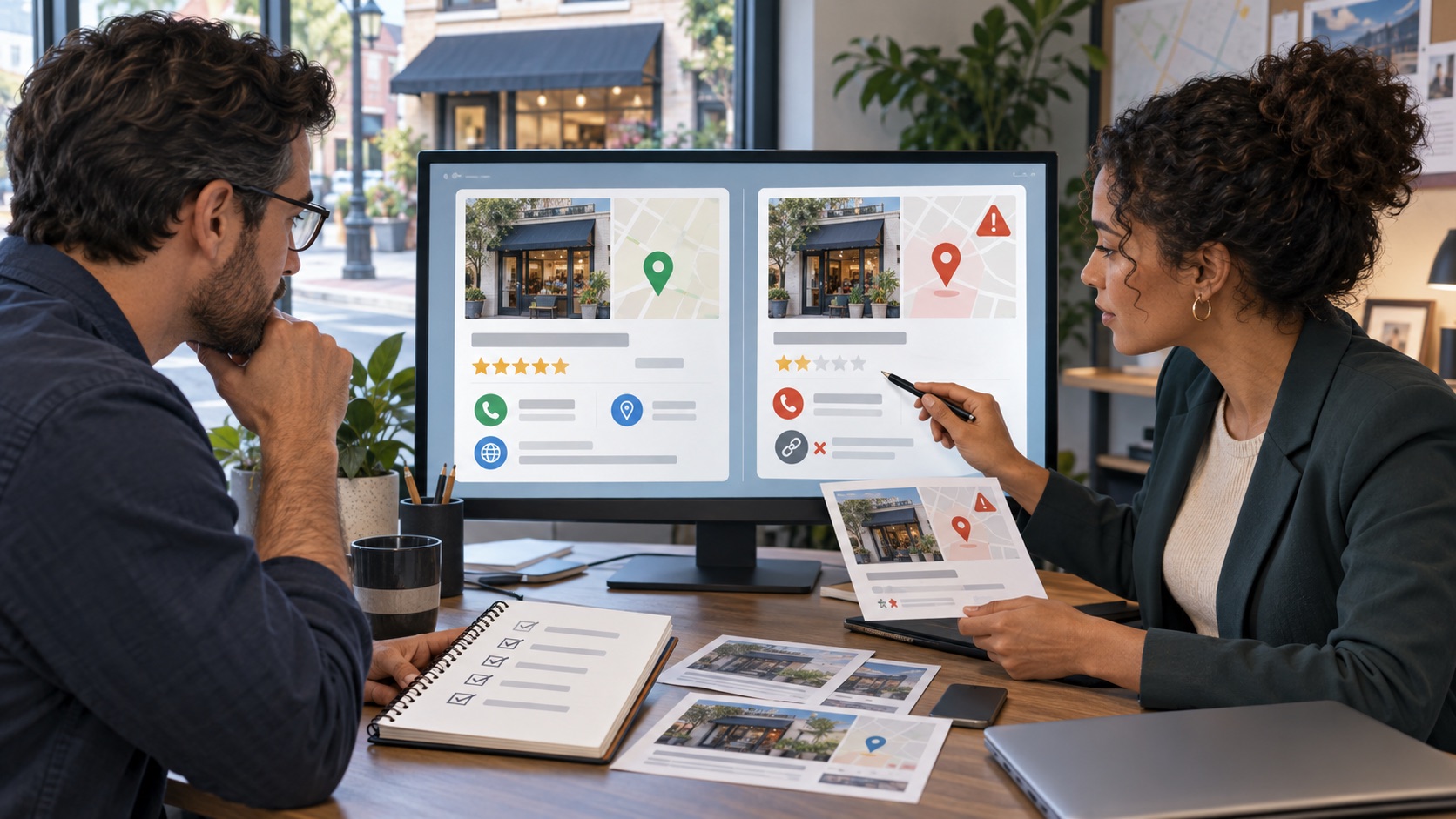
First, confirm that the listing is a separate fake profile—not your real profile with an incorrect field or a legitimate second location. Save the full Google Maps URL, screenshots, name, address, phone number, website, photos, reviews, and customer reports. Secure your genuine Business Profile, then use Google Maps reporting for a business that may not exist. Use Google’s Business Redressal Complaint Form when the fraudulent activity involves a misleading business name, phone number, or URL. Google decides whether to act, and no removal or timing is guaranteed.
A fake Business Profile may copy a company’s identity while replacing the phone number, website, address, or booking link. Customers can then call the wrong number, visit a deceptive site, send money, or leave reviews on the wrong profile. Treat this as a listing-accuracy problem and a possible customer-safety incident.
Not every similar listing is fraudulent. A duplicate may be an old profile, department, practitioner, moved business, or franchise. One incorrect field may need an edit rather than removal. Verify the real-world business, location, ownership, and history before calling another listing fake.
Google’s current Maps policy prohibits impersonation and misleading content, but the reporting path depends on the problem. Legal rights involving trademarks, copyright, fraud, or identity can also depend on the facts and location. This article is general education, not legal advice. Seek qualified counsel for significant loss, urgent threats, disputed ownership, or formal legal claims.
A practical step-by-step approach
01Confirm which profile is authentic
Open every profile using the name and compare Maps URLs, addresses, phone numbers, websites, categories, photos, reviews, and ownership prompts. Check signage, licenses, official website pages, and company records. Identify the profile the business controls, but avoid broad edits until you know whether the other listing is a duplicate, former location, or impersonation.
02Preserve the fake listing and customer impact
Save the full public Google Maps URL and screenshots of the profile. Record each misleading field, the date found, and how it differs from the verified business. Preserve customer messages, receipts, payment requests, or scam communications privately. Redact financial and personal information before using evidence in routine reports.
03Protect the genuine Business Profile
Confirm that the real profile is claimed, that a current company account retains ownership, and that unknown owners or managers are removed. Use individual accounts and two-step verification, review recovery details, and reject unexpected access requests. Make sure the official website clearly states the company’s real locations, phone numbers, domains, and contact process.
04Choose the report that matches the problem
Google currently directs users who find a business that appears not to exist and contains offensive, harmful, or misleading information to open the Maps listing, choose Suggest an edit, select Place is closed or not here, and then choose Offensive, harmful or misleading. Use factual language. Do not mark a real competitor closed or submit a removal request merely because two businesses have similar names.
05Use the redressal form for fraudulent identity fields
Google says its Business Redressal Complaint Form is for misleading information or fraudulent activity involving a business name, phone number, or URL. The form requests the impacted organization, full public Maps URL, exact malicious content, and an explanation of the risk. Google says incomplete complaints may not be processed, does not guarantee action, and does not provide status updates after submission.
06Report connected scam assets separately
A Maps report addresses the listing, not every related account. Preserve and report a lookalike website, domain, phone number, email account, social profile, payment page, or ad through the responsible provider’s current process. If money or sensitive information was shared, advise the affected person to contact the relevant financial institution or provider promptly. Do not collect customer passwords, one-time codes, or complete financial records.
07Warn customers without promoting the fake listing
When there is an active risk, publish one dated notice on the official website and verified profiles. List the company’s real domain, phone number, location, and safe verification steps. Say what the business will never request. Avoid linking directly to the fraudulent profile, repeating complete scam payment details, naming an unverified suspect, or asking supporters to mass-report the listing.
08Monitor the decision and rebuild clarity
Log each report, supporting file, confirmation, profile change, and follow-up date. Recheck branded Maps and Search results. Keep facts consistent across the official site and major listings, answer confused customers calmly, and monitor for new copies. If the profile remains online, reassess the evidence and use an available official support, policy, or legal route.
Information to gather
A clear record makes it easier to choose the right channel, communicate accurately, and avoid unnecessary repetition. Start with:
- Full Google Maps URLs for the genuine and suspicious profiles
- Screenshots of names, addresses, phone numbers, websites, categories, photos, and reviews
- Verified business records, signage, official website pages, and location history
- Customer reports, scam messages, receipts, and payment details stored securely and redacted
- Real-profile owner, manager, recovery, and two-step-verification review
- Maps edit, redressal complaint, provider report, and follow-up records
- Approved customer notice and a recurring branded Maps monitoring date
What not to do
Pressure can lead to decisions that create a second reputation problem. Avoid:
- Calling a legitimate competitor, practitioner, department, franchise, or former location fraudulent without evidence
- Trying to claim or manage a suspicious profile as a shortcut unless official support directs you
- Submitting repeated edits, false legal claims, or coordinated mass reports
- Publishing victim information, financial details, scam links, or an unverified person’s identity
- Editing or reporting the genuine profile by mistake while investigating the duplicate
- Promising that Google, a provider, an agency, or a lawyer will remove the profile by a deadline
Frequently asked questions
How can I tell a fake Business Profile from a simple duplicate?
A duplicate often represents the same real business, a former location, a department, or a profile created before ownership was organized. A fake profile usually uses misleading identity details or pretends to be the company for an improper purpose. Compare profile history, location eligibility, phone, website, signage, records, and customer reports before choosing a report.
Can my company delete or take over the fake profile?
A company cannot directly delete a profile it does not control. Do not try to claim a suspicious listing simply to gain a delete button unless official support specifically directs that process. Preserve the profile, protect the genuine listing, and use the Maps reporting or redressal route that matches the facts.
Should I use Suggest an edit or the Business Redressal Complaint Form?
Google’s current help page uses Suggest an edit for a business that may not exist and contains offensive, harmful, or misleading information. Google describes the redressal form as the route for suspected fraudulent activity involving misleading business names, phone numbers, or URLs. Read the current instructions before filing because product flows can change.
What evidence is useful in a fake-listing report?
Provide the exact public Maps URL and identify each misleading field. Useful support can include the official website, real location records, signage, business documents, screenshots, customer communications, and an explanation of how the false phone or website could harm users. Share only what is necessary and redact sensitive information.
Can a reputation agency guarantee that Google will remove the fake profile?
No. A responsible agency can compare profiles, organize evidence, secure the genuine listing, prepare accurate reports, coordinate customer communication, and monitor the result. Outcomes depend on the evidence, Google’s policies and review, the listing owner, providers, applicable law, publishers, search engines, and other third parties. No provider can guarantee removal or timing.
Primary resources
Policies and features can change. Review the current source before submitting a request:
- Google Maps Help: report a business on Google Maps
- Google Business Profile: Business Redressal Complaint Form
- Google Maps: user-generated content policy
- Google Maps: prohibited and restricted content
- Google Business Profile Help: protect your profile
- Google Maps Help: report data or content errors