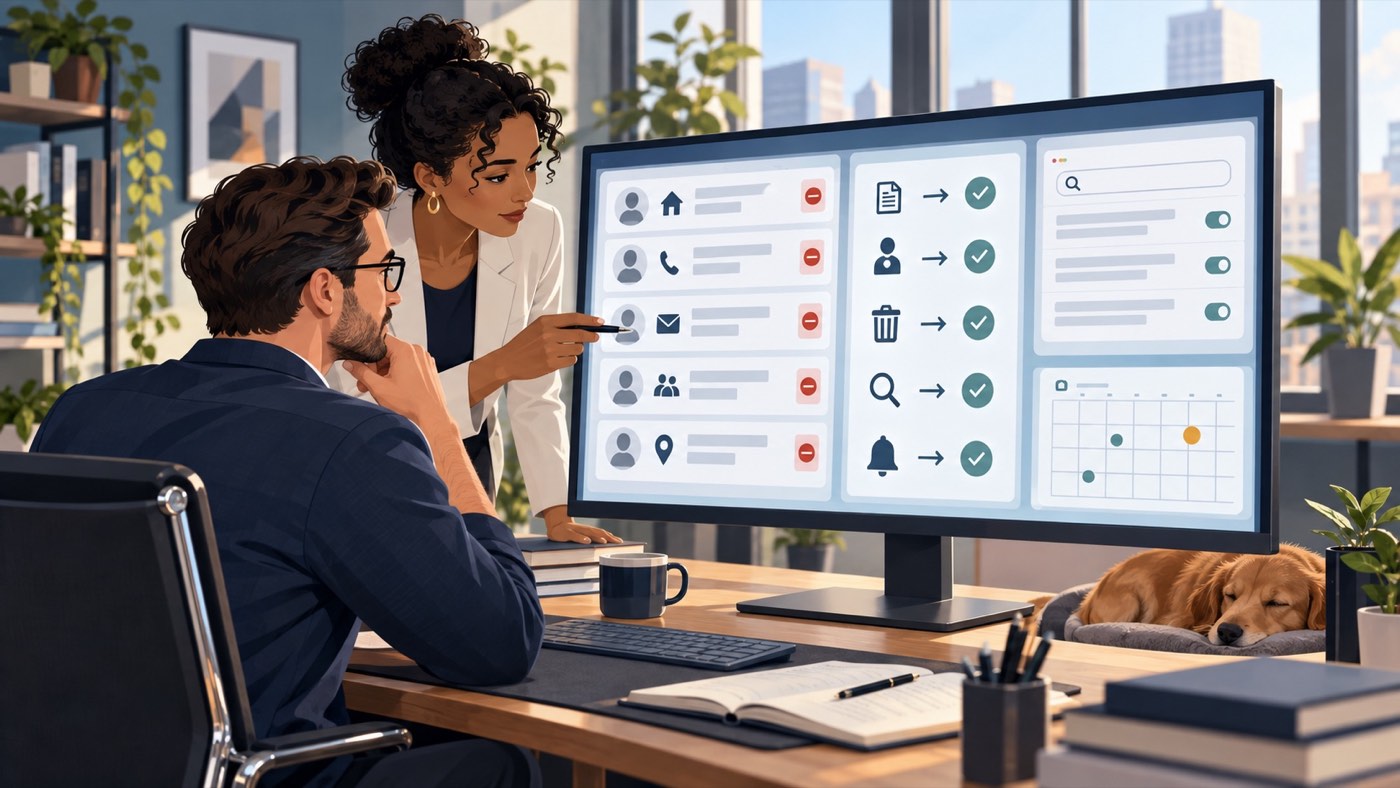
Managing Bumble privacy involves both who can see your profile and what the profile reveals. Review the content itself before relying on a visibility feature to solve every concern.
01
Inspect the details that identify you
Look at photographs, biography text, workplace references and any connected information. Decide which details genuinely help you present yourself and which reveal a precise routine, home location or other unnecessary information.
For example, a photograph outside your home may include a street number even when the biography is cautious. Review backgrounds as well as the intended subject. Avoid misrepresenting your identity; privacy can come from sharing less rather than inventing a different person.
02
Understand the current visibility option
Bumble's Incognito Mode limits profile visibility to people you have liked and hides location under its described operation. The official help lists it as part of Premium and Premium+ subscriptions. Check current availability and terms before deciding whether it fits your needs.
A paid privacy feature should not be interpreted as a promise that no recipient can capture or share what they see.
- Review the profile information visible to permitted viewers.
- Check the relevant setting in the app's official controls.
- Distinguish visibility choices from blocking or reporting someone.
- Review any linked information that increases identifiability.
- Revisit the profile after changing photographs or biography details.
03
Respond to a concrete concern separately
If a particular account is harassing you or misusing your identity, assess the reporting options rather than relying only on reduced discovery. Preserve relevant information privately and avoid moving a suspicious conversation to a less controlled channel merely at the other person's request.
If you want a break, compare the platform's current pause and deletion options separately. Reducing visibility, closing an account and canceling a subscription are different decisions and should be reviewed on their own terms.
Frequently asked questions
Does Incognito Mode delete my Bumble profile?
No. It is a visibility feature. Review the separate account-closure process if deletion is your intended outcome.
Can privacy settings prevent every screenshot?
Do not assume that. Limit what you share with any audience and assess misuse of existing copies separately.
Continue with your next step
Related guides on this topic
Sources and policies
Check the current policy before submitting a request.
You do not have to figure out the next step alone.
Share the URLs and explain your concern. We will review the context and explain which options are worth assessing.
Request a confidential reviewOr call (307) 429-2531Educational information, not legal advice. Outcomes depend on the facts and decisions made by third parties.