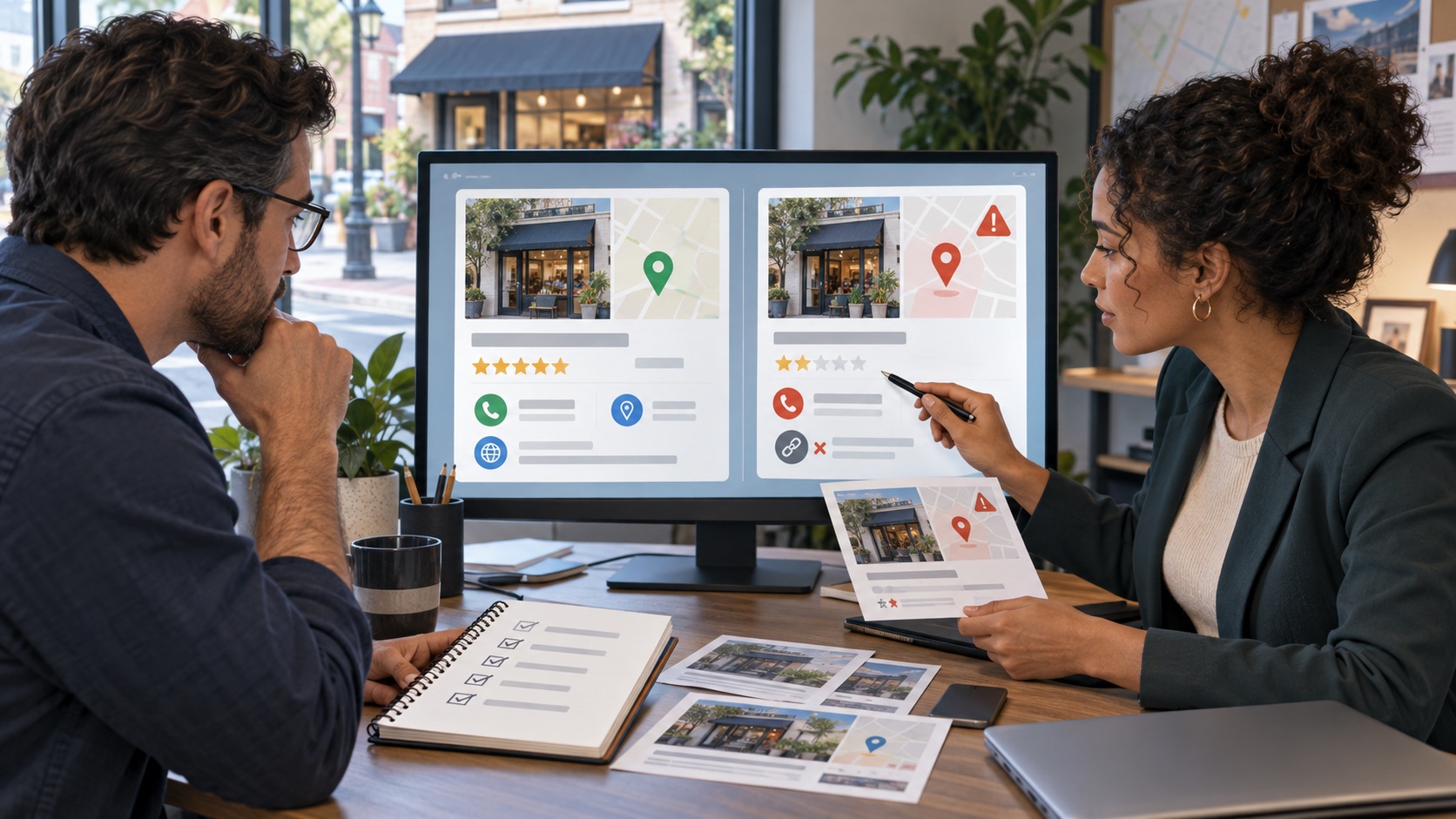
If a Hinge profile appears to impersonate you, collect the details needed to identify it and use Hinge's official reporting process. A familiar photograph alone should prompt verification; explain the specific misuse of identity rather than assuming every similar profile is fraudulent.
01
Identify the account precisely
Note the displayed name, profile text, relevant images and the context in which you found the account. Preserve available screenshots without circulating them publicly. If someone else discovered it, ask for factual details rather than encouraging them to engage with the profile.
For example, a copied professional photo combined with your name and an invented biography presents a clearer identity concern than a shared first name. Explain the connection to you and which details are false or used without your authorization.
02
Submit through Hinge's report controls
Hinge's current reporting help directs users to the profile's three-dot menu and Report, followed by the applicable reason. Its guidance describes reporting as confidential and permanent within the interaction, so preserve relevant information before proceeding when safe to do so.
A profile disappearing from your view is not proof that Hinge has completed an account-wide enforcement action. Distinguish what you can observe from what the platform confirms.
- Select the reason that matches the actual concern.
- Keep the explanation factual and concise.
- Provide identifying details through official support if requested.
- Do not send passwords or verification codes to the suspected account.
- Keep any confirmation or support reference.
03
Reduce confusion without amplifying the profile
If necessary, privately tell affected contacts which account is genuine. Avoid publishing the fake profile's images to a larger audience. Review whether the impersonation also appears on other services and assess those accounts separately.
If the situation includes threats, financial fraud or another urgent issue, use the relevant support or professional channel in addition to the platform report. Do not confront the suspected operator to obtain an admission.
Frequently asked questions
Does reporting prove the other account has been banned?
No. Your view of the profile and the platform's enforcement decision are different. Rely on official confirmation where available.
Should I send identification to the impersonating account?
No. Use only the platform's verified support process for any required identity verification.
Continue with your next step
Related guides on this topic
Sources and policies
Check the current policy before submitting a request.
You do not have to figure out the next step alone.
Share the URLs and explain your concern. We will review the context and explain which options are worth assessing.
Request a confidential reviewOr call (307) 429-2531Educational information, not legal advice. Outcomes depend on the facts and decisions made by third parties.