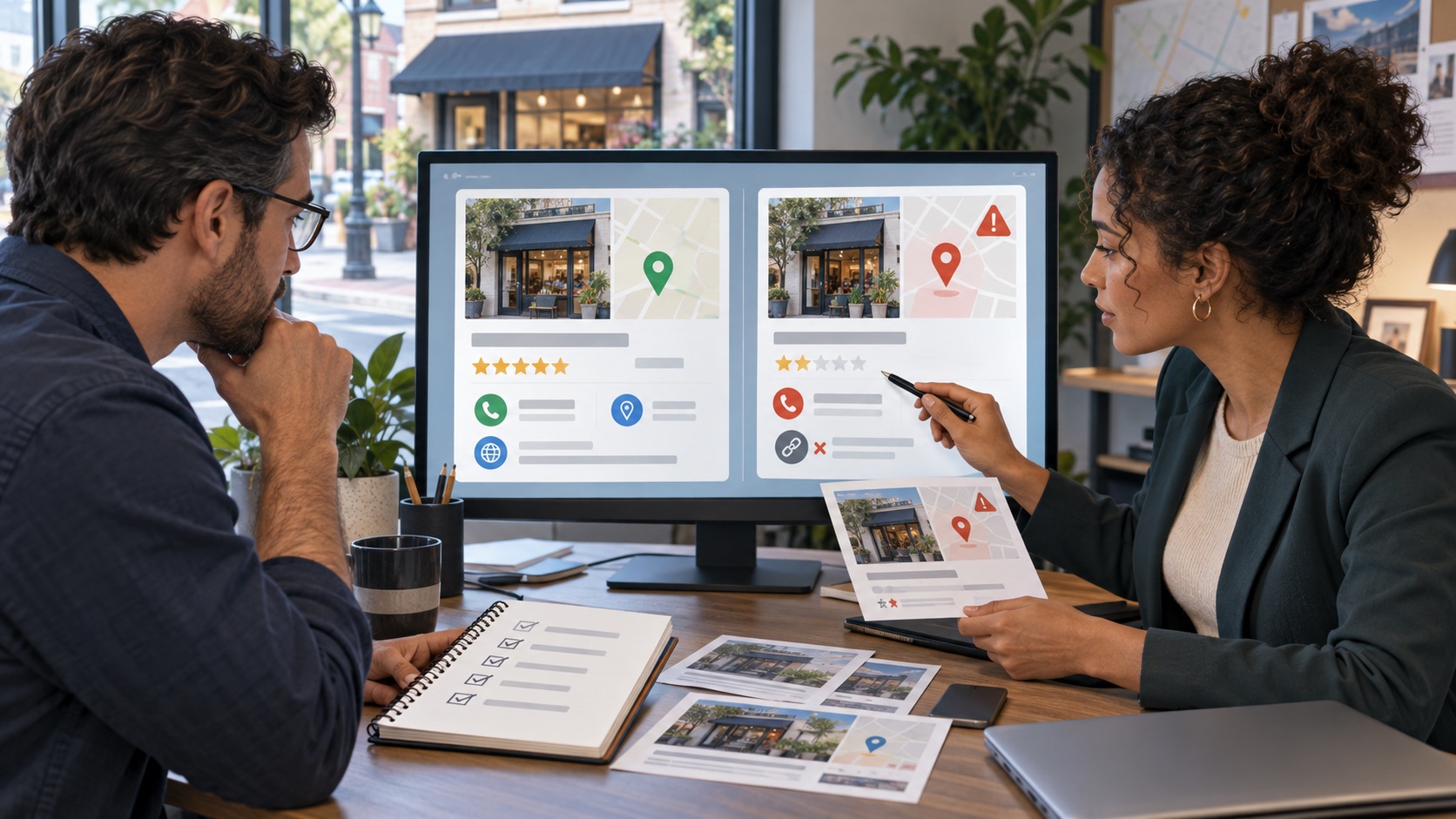
An unfamiliar or incomplete LinkedIn profile is not automatically fake. Look for concrete evidence such as copied identity details, a false claim to represent your company or messages requesting money under your name. Report the specific profile and explain the mismatch.
01
Separate impersonation from another profile issue
Save the profile URL and the relevant visible claims. Compare them with your legitimate profile or verified company information. A person with the same name, a private new member and a former employee with an outdated role are different situations.
If someone copied your photograph and is recruiting under your name, retain the profile address and the message describing the supposed role. You do not need to contact the account or send identification to it to establish the concern.
02
Submit the appropriate profile report
LinkedIn's current help directs members to the profile's More menu, then Report/Block and the option to report the member or entire account. Choose the impersonation or non-real-person reason that matches the facts and follow the prompts.
LinkedIn states it takes action when the profile violates its policies. A report is a request for review, not a guaranteed closure. Do not organize mass reports or invent extra claims to increase pressure.
- Identify the genuine person or organization.
- Describe the copied or false claim precisely.
- Keep relevant message dates and profile links.
- Avoid unnecessary details about unrelated people.
- Save any acknowledgment or decision provided.
03
Limit harm through your established channels
If colleagues or customers are receiving deceptive messages, give them a concise notice through a channel they already trust. Explain the genuine contact route and avoid reposting victims' private conversations.
If the problem is unauthorized access to your real account, address account recovery and security separately; reporting another profile does not secure yours. Recheck the reported URL and record the platform's decision. Continue to assess newly observed profiles on their own evidence.
Frequently asked questions
Is a profile with few connections enough evidence of impersonation?
No. LinkedIn notes that incomplete profiles can belong to new or private members. Look for additional evidence of deception or a false identity claim.
Should I send the suspected account my ID to prove who I am?
No. Use LinkedIn's verified reporting or support process if identity evidence is requested. Do not provide it to the suspected impersonator.
Continue with your next step
Related guides on this topic
Sources and policies
Check the current policy before submitting a request.
You do not have to figure out the next step alone.
Share the URLs and explain your concern. We will review the context and explain which options are worth assessing.
Request a confidential reviewOr call (307) 429-2531Educational information, not legal advice. Outcomes depend on the facts and decisions made by third parties.